
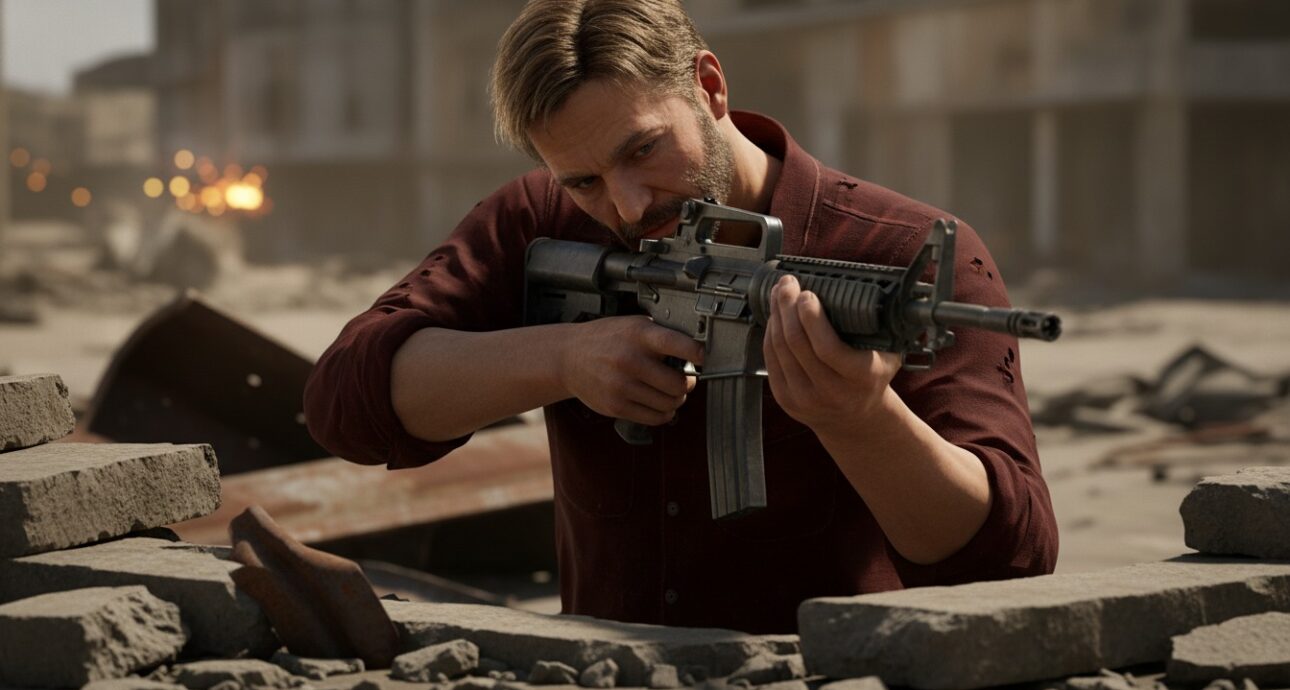
Most cover-shooter tutorials show you how to snap a character to a wall. They rarely show you what happens next. For example, root motion can fight your code for control of the player’s position. Or a raycast fired from inside a collider returns nothing, and your character ends up stuck inside geometry. Building the Project V cover system meant solving both problems, along with several more like them.
This is a breakdown of how the system actually works under the hood. We’re publishing the real architecture, the bugs we hit, and the fixes that worked. Not because it makes good marketing copy. Because this is the kind of detail that separates a studio that has actually shipped cover mechanics from one that’s only used the word in a pitch deck.
The Starting Architecture
The Project V cover system runs on Unity, with FinalIK handling inverse kinematics and Cinemachine handling the camera. The controller itself is a four-level inheritance chain. This matters because it shapes where every piece of the cover logic has to live.
PlayerBase sits at the top. It’s abstract, and it holds shared state. This includes the CurrentPlayerState property, whose setter cascades to camera presets and animation handling. It also routes the core Unity loop: Update becomes a custom Tick, LateUpdate becomes PostTick, and FixedUpdate becomes FixedTick.
AnimationController extends PlayerBase. It owns camera presets, state-to-animation mapping, animator parameters, IK targets, and ground detection.
InputHandler extends AnimationController. This is where the entire cover system lives. It handles input reading, wall detection, entry and exit logic, plus auxiliary systems like interactions and inventory.
PlayerActor extends InputHandler. It handles FixedTick physics, including slope sliding, movement resolution, and rotation. Normal locomotion across the whole controller runs on root motion, which becomes important shortly.
Problem One: Root Motion and the Project V Cover System
The first version of the cover system caused visible jitter every time the player snapped to a wall. The cause was two systems fighting for control of the same transform in the same frame. The animation clip’s root motion was moving the character. Meanwhile, a separate line of code was also setting position to pin the player against the wall.
The fix wasn’t to disable root motion everywhere. Instead, we got precise about which states needed it and which didn’t. Cover Left and Cover RightThe strafing animations kept root motion on, since the actual translation along the wall should come from the animation, not from code-calculated velocity. Stand To Cover, The idle states and lean animations turned root motion off entirely, because those are in-place actions that shouldn’t move the character at all.
As a result, we built a PlayCover helper inside AnimationController that wraps CrossFadeInFixedTime instead of a hard Play() cut. Transitions between states now blend instead of popping. Whether root motion is active for a given clip became an explicit parameter, not an assumption baked into the controller.
Problem Two: The Player Launching Airborne on Cover Entry
A second bug had the player launching into the air the instant they entered cover. The cause was subtler this time. The snap-to-wall logic used the Y coordinate from a raycast hit point at chest height, then applied that value directly to the player’s root position. However, chest height isn’t ground height, so the player’s feet would leave the floor.
The fix decoupled wall-snap logic from vertical positioning entirely. Horizontal position locks to the wall surface. Vertical position stays governed by the existing ground-detection system. Mixing the two raycasts was the bug, and separating them resolved it without touching anything else in the movement stack. This fix alone resolved the most visible flaw in the Project V cover system.
Problem Three: Wall Penetration During Idle Rotation
When a player rotated while idle in cover, they could clip through the wall and get stuck inside the collision geometry. This came down to a fundamental raycasting issue: a ray fired from inside a collider doesn’t register a hit against that collider’s interior surface. Once the player’s origin point drifted inside the wall mesh, even slightly, the correction system had no surface to detect.
To fix this, we switched to outside-origin raycasting. Instead of firing detection rays from the player’s current position, the system fires them from a point offset away from the wall first, then casts them back toward it. That way, the ray always starts outside the collider, so it always has a surface to hit, even in the exact failure case that caused the original bug.
Problem Four: Inverted Strafe Controls
A more mundane bug followed: pressing left in cover moved the character right, and vice versa. The cause was a single inverted cross product. The code computing the “right” direction along a wall was calculating Cross(up, CoverNormal) when it needed Cross(CoverNormal, up). Since cross product order determines the resulting vector’s direction, we simply had it backward.
This kind of bug is trivial to fix once found. However, it’s easy to lose hours to before you find it, since the symptom doesn’t obviously point to a vector math order issue.

Problem Five: State Ping-Ponging
Before the system became intent-based, cover state could flicker between active and inactive within a single frame. The cause: the normal state machine update (UpdateCameraState) ran every frame regardless of whether the player was already in cover. Occasionally, it would overwrite the cover state before the cover logic could process.
To resolve this, we made cover exclusive at the Tick() level. When InCover is true, the per-frame update runs cover logic only and returns early, skipping the normal state machine entirely. As a result, the two systems no longer compete for the same state variable in the same update cycle.
The Final System: Intent-Based, Not Button-Based
The version that shipped doesn’t use a dedicated cover button. Instead, entry and exit are driven by movement intent.
A player auto-enters cover by pushing their movement input into a wall on the CoverMask layer. This has to happen within a set check distance, at an angle steep enough to register as “moving into” the surface rather than past it, governed by a CoverEnterDot threshold. They auto-exit by pushing away from the wall past a separate CoverExitDot threshold, set to roughly a 45-degree cone away from the wall normal. A short re-entry cooldown then stops the player from instantly re-latching to the same wall the moment they exit it.
Strafe movement along the wall comes from projecting the player’s input onto the wall’s tangent direction, derived from that same cross product fixed earlier. Wall correction itself runs in PostTick, which executes in LateUpdate. This timing matters because it needs to run after root motion has already moved the character that frame. Otherwise, correcting position before root motion runs would just have the next frame’s root motion undo the correction. The correction logic only adjusts the perpendicular component of position, with a hard lock on the Y axis, so it never interferes with strafe movement along the wall.
The system also exposes AtLeftEdge, AtRightEdge, and Peeking flags. These come from the same edge-detection raycasts, and they feed directly into the camera system. As a result, the camera can adjust framing whenever a player approaches the end of cover geometry. The intent-based approach is what makes the Project V cover system feel natural rather than mechanical.
Why This Level of Detail Matters When You’re Evaluating a Studio
We’re publishing this breakdown for a simple reason. Vague claims about “AAA-quality systems” or “international standards” are easy to write. They’re also impossible to verify from the outside. A studio that has actually built and shipped a cover system can describe the specific bugs it hit and the specific fixes that resolved them. A studio that hasn’t usually can’t, because there’s nothing underneath the claim.
This is the same reasoning behind our guide to choosing a game development company in Pakistan: ask for a walkthrough of a specific system, not a list of engines and tools. The answer tells you more about a team’s actual capability than any portfolio reel. This same discipline shows up elsewhere in how we work too, whether that’s balancing creativity against deadlines on a live project or thinking through what makes a game’s narrative actually land.
You can see the Project V cover system in action for yourself, live on Steam, or browse the rest of our shipped catalog across mobile, PC, and console. For the service side of how we build systems like this for clients, see our pages on mobile and full-cycle game development and 3D game development.
Frequently Asked Questions
The cover system runs on Unity, using FinalIK for inverse kinematics and Cinemachine for camera control. The player controller itself is a custom four-level inheritance chain, built specifically to separate animation, input, and physics concerns cleanly. That architecture is what makes the Project V cover system both modular and debuggable.
Neither alone works well. Root motion handles strafing animations, since the translation should come from the animation itself. Code-driven correction handles wall-pinning instead, and it runs in PostTick after root motion so the two never compete for control of the same frame.
Two systems were both trying to set the player’s position in the same frame. One was root motion from the animation clip. The other was a separate line of code pinning the player to the wall. The fix made root motion and code-driven correction responsible for different axes and different states, instead of letting both touch position at once.
Yes. The system documented here reflects the same engineering approach we bring to client and co-development work, whether that’s a full-cycle build or a specific gameplay system handed off mid-production.
Ready to See What We’d Build for You?
If a studio’s claims about technical capability matter to your decision, this is the kind of conversation worth having directly. Get a quote for your project and tell us what you’re building. We’ll walk you through the systems we’d use and how, the same way we just did here.

4 Comments
[…] A genre label isn’t an answer. “It’s a survival game with crafting and building” describes half the Steam library. The ideas that survive development pressure are the ones with a specific core loop that’s fun to say out loud in a single sentence. Project V, Phantom Cave Studio’s post-apocalyptic narrative survival title on Steam, started with that test: a player navigating a world where governments lied about the apocalypse, using cover and deception to survive. One sentence. One player feeling. Everything else built outward from there. You can read about how that cover system got built in detail in our Project V technical breakdown. […]
[…] its Steam presence alongside active development, documenting the systems being built, including the cover shooter mechanics — so that wishlisters follow the game’s actual progress rather than waiting on […]
[…] for character animation, mobile performance optimization across low-end Android devices. The technical breakdown of Project V’s cover system is an example of what a studio that has actually solved hard engineering problems can produce. […]
[…] system, which we built using Unity’s animation system alongside FinalIK and Cinemachine. The technical breakdown of that system shows what Unity can handle at the engineering level when it’s used […]